

Introduction: Superman Pen Holder & Phone Stand Laser Cut Wood


In this post, you can learn to cut a special pen holder & phone stand for your workplace. This project only requires 3mm plywood to make. Hope you guys love this easy and simple laser cut pen holder & phone stand.
Supplies
Step 1: Download the File
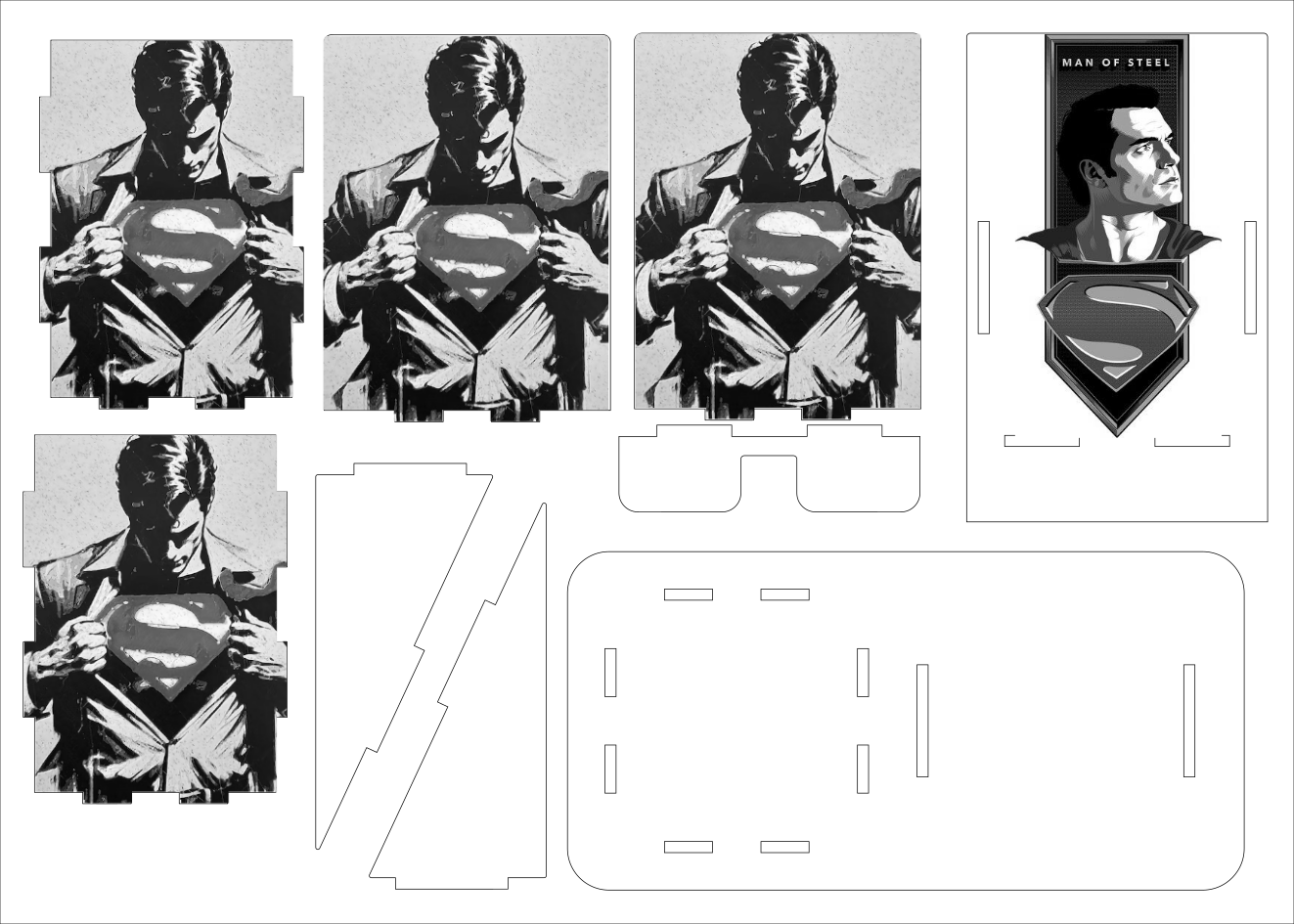
Download this svg file for your lightburn or the laser software you prefer.
Attachments
Step 2: Upload the File

You will need to cut and engrave with this file. I use light-burn as my laser working software. The laser cutter I used is 20w NEJE Max 4. If your machine is similar to mine, you can refer to my settings. If not, you may need to test it first.
For Engraving, I use 15000mm/min,60%power, 254dpi and garyscale engraving mode.
For cutting, I use 400mm/min,90%power
Step 3: Laser Engraving and Cutting

Your machine should be large enough for laser engrave and cut a 35*25cm plywood sheet. Otherwise, you may need to adjust your file. I used NEJE MAX 4(750*460mm)which is large enough for me to make it.
Step 4: Assembly


You can put the phone holder on the left and the pen holder on the right, or you can put the phone holder on the right and the pen holder on the left. This installation direction depends on your preference. After the production is completed, assemble it according to the order of the picture. The installation method is similar to most pen holders and mobile phone holders. (Because the thickness of the wood can vary slightly, you may need glue to secure it.)
Step 5: Enjoy Your Work!

It can be used as a desktop pen holder or a mobile phone holder. You can replace the engraved pictures to make this double holder you like.
